Guide 7 of 8

Payments, bonuses and support

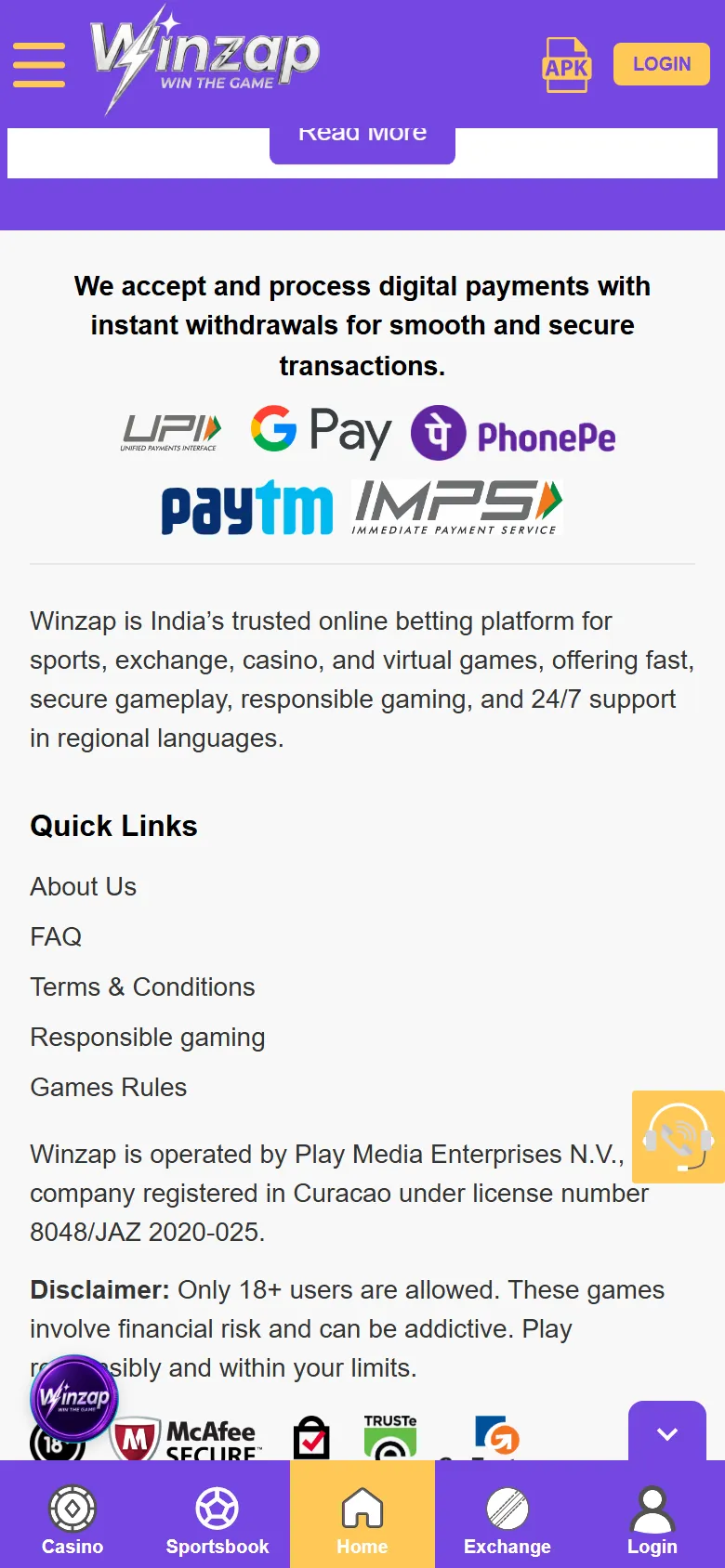
At the bottom of the home screen winzap.vip shows the payment options it accepts, its quick links and a note about who runs the site. A floating support button follows you around the app.

Open winzap.vip Ask us a question

Bottom of the Winzap home screen on a phone with payment logos, quick links, licence note and support button highlighted

What you can do here

  • Check which payment logos winzap.vip shows: UPI, Google Pay, PhonePe, Paytm and IMPS
  • Open About Us, FAQ, Terms & Conditions, Responsible gaming and Games Rules from the quick links
  • Reach support with the floating help button
  • Read the current offers on the banner at the top

Good to know

  • Always read the terms of an offer, such as wagering requirements, on winzap.vip before you take it.
  • Payment options, offers and limits are set by Winzap and can change.
  • Never share a password, an OTP or card details with someone who contacts you first.

Step by step

  1. 1

    Scroll to the bottom of the home screen to see the payment logos and quick links.

  2. 2

    Tap Terms & Conditions and Games Rules to read the official terms.

  3. 3

    Tap the floating help button at the right edge to start a chat.

  4. 4

    Use Responsible gaming if you want to set limits or take a break.

Bottom of the Winzap home screen on a phone with payment logos, quick links, licence note and support button highlighted12345
Enlarge

Screen 1

Payments, quick links and the licence note

The footer says Winzap accepts digital payments and shows the UPI, Google Pay, PhonePe, Paytm and IMPS logos. Under the quick links is a note that the site is operated by Play Media Enterprises N.V., registered in CuraƧao under licence number 8048/JAZ 2020-025, followed by an 18+ disclaimer.

The round yellow button at the right edge opens support.

  1. 1Payment options listed on the site
  2. 2Quick links: About Us, FAQ, Terms, Responsible gaming, Games Rules
  3. 3Operator and licence note, as stated by winzap.vip
  4. 418+ disclaimer
  5. 5Support button
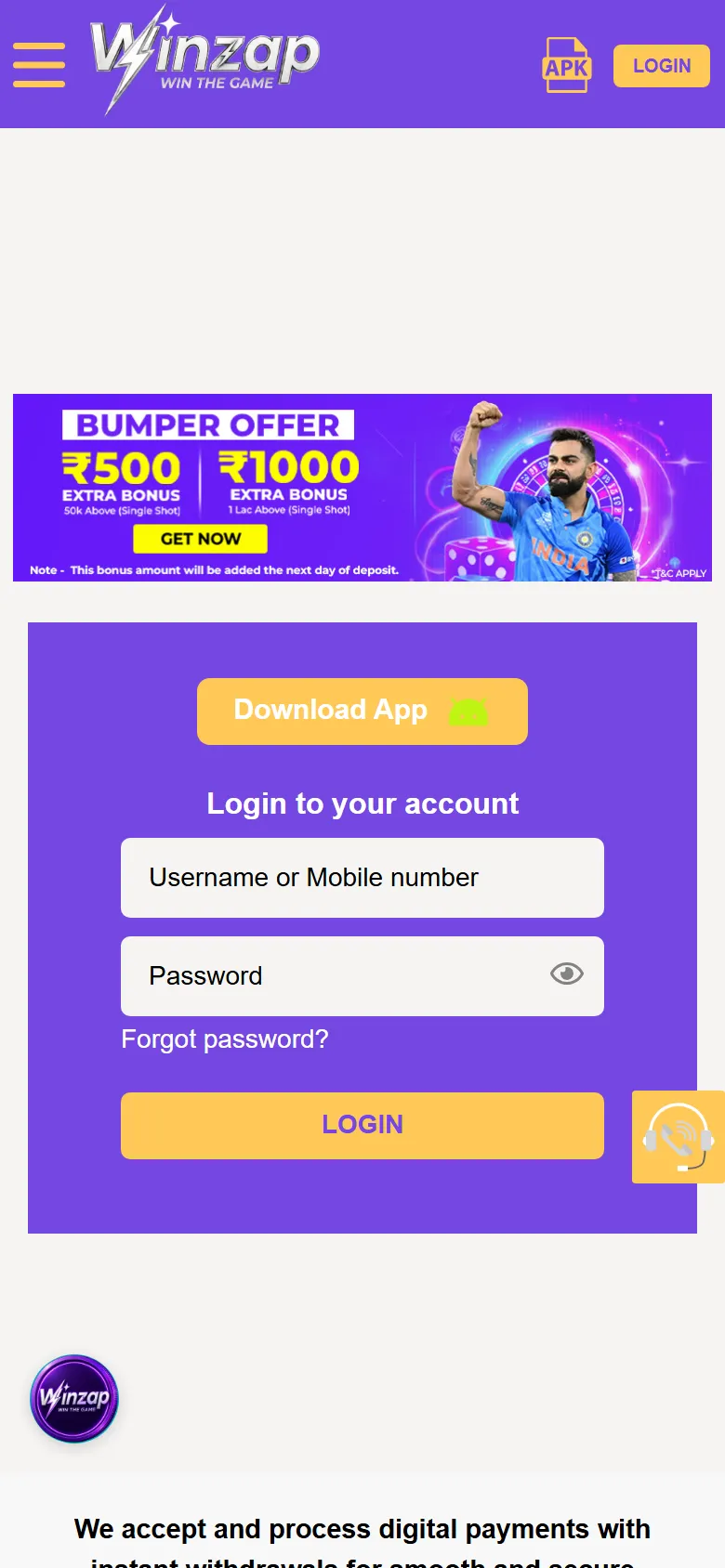
Winzap login page on a phone showing a promotional banner above the login form1
Enlarge

Screen 2

Offers appear as banners

Offers show up as banners, here above the login form. They change often and always come with terms, so treat the banner as an invitation to read the details, not as a promise.

  1. 1Promotional banner: terms apply

Screenshots show winzap.vip at phone size (the Android app points to the same site). Matches, odds and offers change all the time.

FAQ

Questions about this part of the app

Which payment methods are accepted?

The home page footer shows UPI, Google Pay, PhonePe, Paytm and IMPS logos. The site also mentions other options, so check the deposit page after logging in.

How do I contact support?

winzap.vip lists WhatsApp (24/7), live chat, email (reply within about 12 hours) and phone. The quickest way is the floating help button.

Where can I read the rules?

Use the quick links near the bottom of the home screen: Terms & Conditions, Games Rules and Responsible gaming.

Need help with Payments?

Leave your name and phone number and our team will get back to you.

Contact Us
Winzap for AndroidOfficial file from winzap.vip Get the app